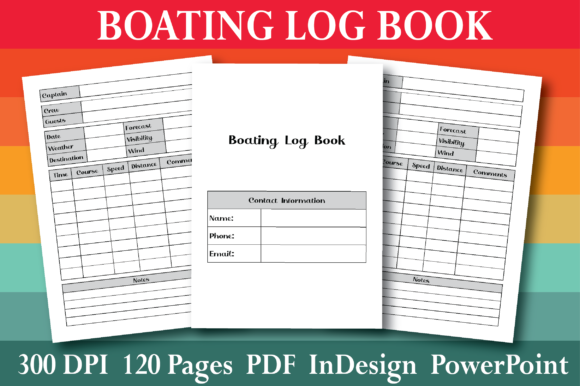
Creating a High-Quality KDP Boating Log Book Interior: A Comprehensive Guide
Introduction to KDP Boating Log Books
Welcome to the world of KDP (Kindle Direct Publishing) boating log books, a valuable tool for both amateur and professional boaters. These log books are designed to help you keep track of your boating activities, maintenance, and other important details in an organized and efficient manner.
The Purpose and Significance of Boating Log Books
A boating log book serves several critical functions:
- Record-keeping: Documenting every trip, including dates, locations, and conditions.
- Maintenance tracking: Keeping a detailed record of all maintenance and repairs performed on the boat.
- Safety: Providing a quick reference for emergency procedures and contact information.
- Legal compliance: Meeting regulatory requirements for vessel documentation.
Understanding the Specifications
When designing a boating log book for KDP, it's essential to adhere to specific guidelines to ensure a high-quality final product. Here are the key specifications:
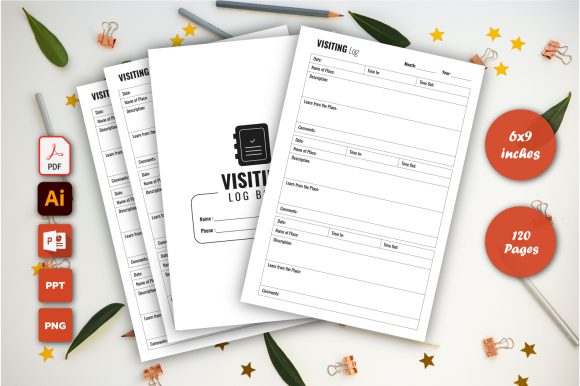
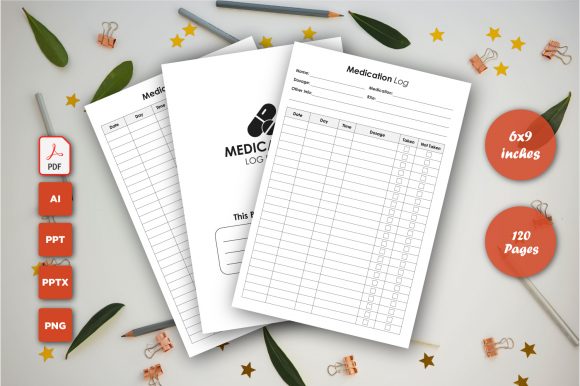
- Page count: 120 pages
- Dimensions: 6" x 9"
- File format: PDF
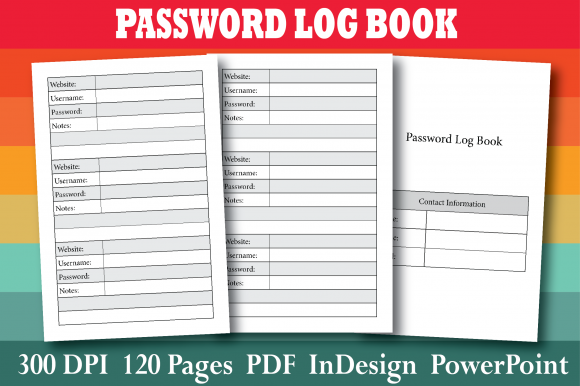
- Resolution: 300 dpi
- Source files: InDesign and PowerPoint
Creating the Layout
Designing the layout of your boating log book is crucial for its usability and appeal. Consider the following elements:
- Cover page: Include the title, author, and any relevant images or graphics.
- Table of contents: Provide a clear and easy-to-navigate table of contents.
- Log entry pages: Design pages with ample space for recording trip details, such as date, time, location, and notes.
- Maintenance and repair logs: Create sections for documenting regular maintenance and any repairs.
- Emergency and safety information: Include a section for emergency contacts, safety procedures, and first aid tips.
InDesign: The Professional Choice
InDesign is a powerful tool for creating professional-looking documents. It offers advanced features for layout, typography, and design. Here’s how to use InDesign for your log book:
- Set up the document: Open InDesign and create a new document with the specified dimensions (6" x 9") and page count (120 pages).
- Create master pages: Design master pages for consistent formatting across the document.
- Add text and graphics: Use text frames and image placeholders to add content and images.
- Apply styles: Use paragraph and character styles to maintain consistent formatting.
- Export to PDF: Once your design is complete, export the file as a 300 dpi PDF.
PowerPoint: A User-Friendly Alternative
If you prefer a more user-friendly option, PowerPoint can also be used to create a professional-looking log book. Here’s how:
- Set up the slide size: Change the slide size to 6" x 9" in the Page Setup settings.
- Create a template: Design a master slide with the necessary elements, such as headers, footers, and text boxes.
- Add content: Duplicate the master slide and add your content, including text and images.
- Consistent formatting: Use the Format Painter to apply consistent formatting across slides.
- Export to PDF: Save the presentation as a 300 dpi PDF file.
Review and Proofread
Before uploading your log book, it’s essential to review and proofread the document to ensure accuracy and quality. Check for:
- Spelling and grammar errors: Use a spell checker and read through the document carefully.
- Consistency: Ensure that all formatting and design elements are consistent throughout the document.
- Completeness: Verify that all necessary sections and information are included.
Uploading to KDP
Once your log book is ready, follow these steps to upload it to KDP:
- Create a KDP account: If you don’t already have one, sign up for a KDP account.
- Start a new project: Go to the KDP dashboard and start a new paperback project.
- Enter book details: Fill in the required information, such as the title, author name, and description.
- Upload the cover and interior: Upload your cover image and the 300 dpi PDF file of your log book interior.
- Set pricing and distribution: Choose your pricing and distribution options.
- Submit for review: Review your submission and submit it for KDP approval.
Conclusion
Creating a high-quality KDP boating log book interior is a rewarding process that can provide immense value to boaters. By following the guidelines and using the right tools, you can produce a professional and functional log book that meets the needs of your audience. Whether you’re a seasoned designer or a beginner, this guide will help you create a log book that stands out and serves its purpose effectively.
What is the importance of a boating log book?
A boating log book is essential for record-keeping, maintenance tracking, safety, and legal compliance. It helps boaters stay organized and prepared for any situation.
Can I use other software besides InDesign and PowerPoint?
Yes, while InDesign and PowerPoint are popular choices, you can also use other software like Canva or Google Slides, as long as you can export the final document as a 300 dpi PDF.
How do I ensure my log book meets KDP standards?
To meet KDP standards, make sure your log book has 120 pages, dimensions of 6" x 9", and is exported as a 300 dpi PDF. Additionally, follow KDP’s guidelines for cover and interior file preparation.
What should I include in the log entry pages?
Log entry pages should include fields for the date, time, location, weather conditions, trip details, and any notes or observations. This information helps in maintaining a comprehensive record of each boating trip.